 English
 русский
 Español
 Français
 عربى
 italiano

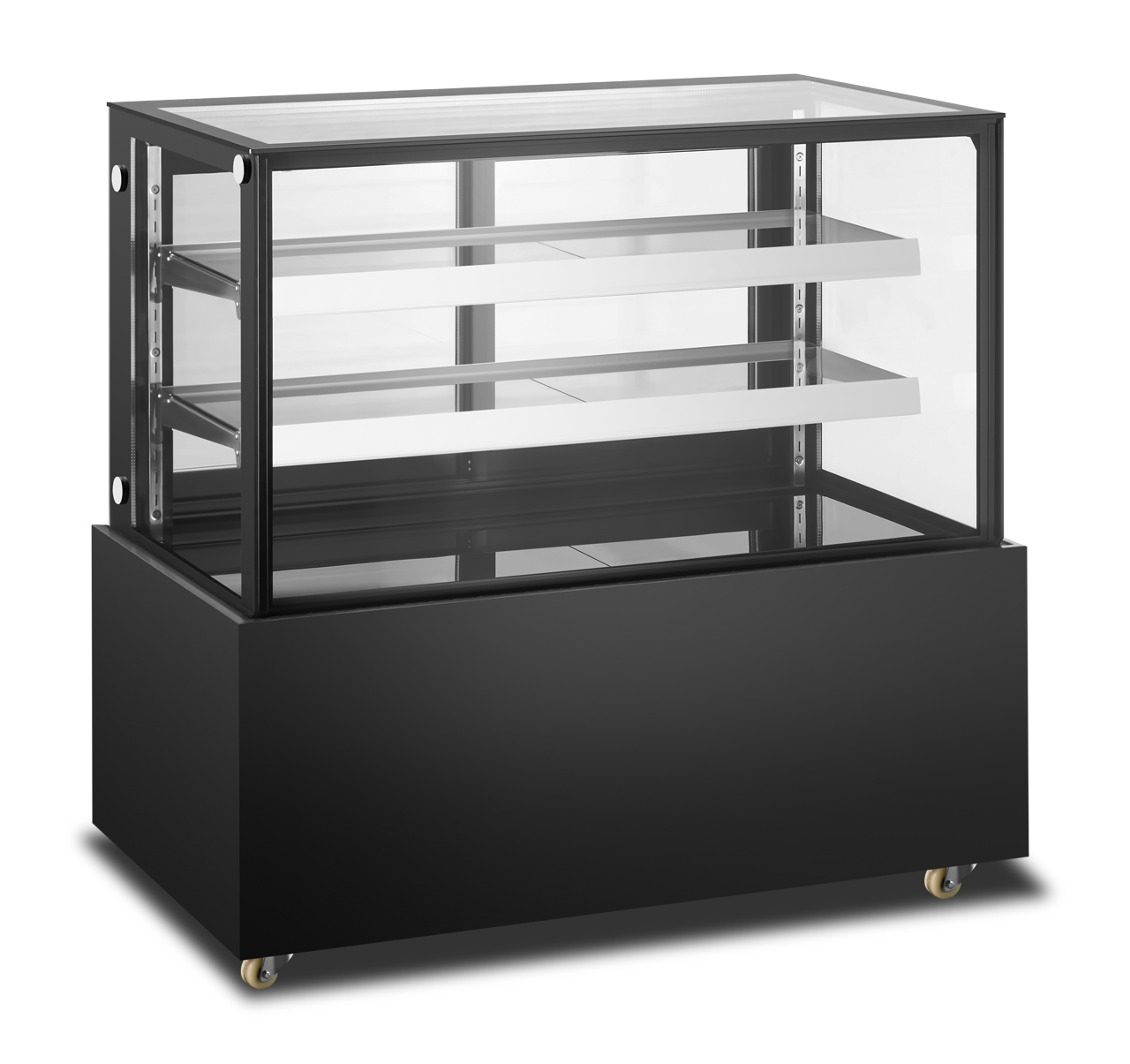
Multi-product thermal display cabinet
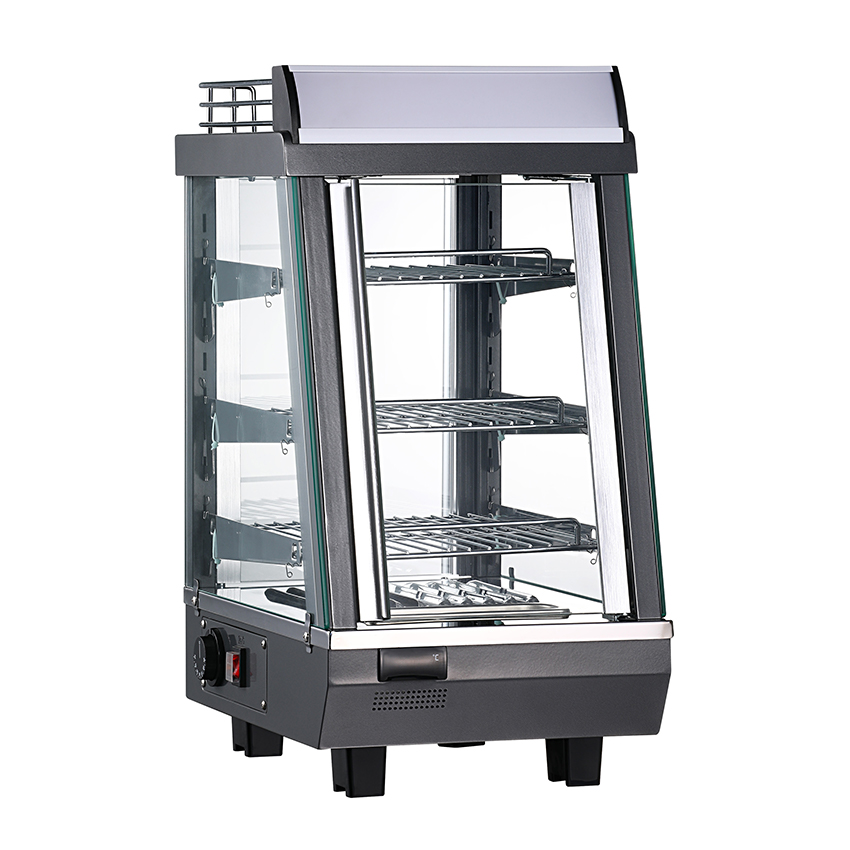
The multi-product thermal insulation display cabinet has various sizes, elegant appearance and unique design. It ad...



At 11:40 on a Tuesday morning, a bakery assistant lifts a tray of sausage rolls out of the oven and slides it into the glass case beside the till. At half past five the same afternoon the pastry is still crisp, the filling still reads above 65 °C on a probe, and the last two sell at full price. Nothing magical happened in between: a heater, a fan, a thermostat and a shallow pan of water did the work.
A commercial hot food display cabinet is a holding device, not a cooking appliance. It generates heat, moves that heat through the cavity, and then keeps the air inside a narrow band — most often 63 °C to 85 °C — while a water reservoir holds relative humidity high enough that the food does not dry out.
The short answer: five things working together — element, airflow, probe, humidity source and insulation. Elements make the heat, forced air carries it through perforated shelves so the cavity stays within a few degrees of setpoint, and a thermostat reading the return air switches the elements on and off. The glass, lighting and shelf layout heat nothing; they only decide whether the food sells.
Content
Every design choice inside a heated display case traces back to one of three jobs, and most cabinets that disappoint their owners are good at the first and weak at the other two.
When a caterer says the cabinet "burns the top and runs lukewarm at the bottom", the element is rarely the problem. The airflow path usually is.
Most countertop and floor-standing cabinets use sheathed tubular elements at the top of the cavity or behind a baffle at the base. Finned elements add surface area, warm up faster and are typical of fan-assisted units. Infrared quartz or halogen lamps work differently: they radiate straight onto the food surface, browning chicken and keeping pizza crust crisp, but they leave the underside of a stacked tray noticeably cooler.
A fan draws air across the element, pushes it up through the perforated shelves and lets it return down the side walls. Designed well, the gap between the hottest and coolest point in the cavity stays inside roughly 3–5 °C. Designed badly, the top shelf runs 10–15 °C hotter than the bottom. Free-convection cases depend on hot air rising, which suits a tall pastry cabinet and struggles in a wide one.
A capillary thermostat or a digital thermocouple controller reads the return air and switches the element through a contactor or relay. Capillary types typically hold ±3–5 °C; PID controllers with a PT100 or K-type probe can hold ±1–2 °C. A separate over-temperature cut-out protects the cabinet if a contactor welds shut, and it should never be bypassed during servicing.
The drawing above shows the layout shared by most fan-assisted hot displays: a top-mounted element bank, a circulation fan, perforated shelves that double as air guides, and a humidity tray sitting above the base.
| Approach | How heat reaches food | Uniformity | Works best for | Watch out for |
|---|---|---|---|---|
| Radiant / infrared lamps | Direct radiation onto the surface from quartz or halogen lamps | Uneven — surfaces brown, undersides stay cooler | Rotisserie chicken, pizza by the slice, quick-service counters | Drying, scorched edges, hot glass surfaces |
| Fan-forced convection | Air is heated by an element and pushed through perforated shelves | Even across the whole cavity | Mixed menus, tray meals, dim sum, rice and sauces | Fan noise, draughts that dry light pastry |
| Humidified convection | Convection plus a water tray or steam injection holding humidity high | Even, with a softer crust | Bread, buns, pastries, roast meats held for hours | Condensation on glass, hygiene risk if the reservoir is dirty |
Temperature keeps food safe; humidity keeps it worth eating. A cabinet that satisfies only the first will pass an inspection and still lose money, because dry pastry does not sell.
UK Food Standards Agency guidance puts hot holding at 63 °C or above. The US FDA Food Code sets the equivalent at 57 °C (135 °F), and the Australia New Zealand Food Standards Code at 60 °C. Those figures are safety minimums, not quality targets: most operators set the cabinet 5–10 °C higher so food stays compliant during the seconds a door stands open. Our guide to what temperature food should be held at breaks the ranges down by product type.
Sources: UK Food Standards Agency hot-holding guidance, the FDA Food Code and the Australia New Zealand Food Standards Code. The fourth bar shows the setpoint band most operators actually run, which sits deliberately above the legal minimum.
A water tray in the base, warmed by the cavity, raises relative humidity and slows surface evaporation. Pastry and bread usually want a moist cabinet; fried food and crisp pizza want a drier one, because trapped steam turns batter limp. If the cabinet has a humidity dial, treat it as a menu setting rather than something to leave at maximum.
Double-glazed doors with a low-emissivity coating cut radiant heat loss and keep the outer pane cool enough to touch, which matters on a self-service counter. Fogging between the panes means the seal has failed, and that is a warranty conversation, not a cleaning problem.
LED strips run far cooler than the halogen lamps they replaced, so they add almost nothing to the heat load and no hot spots on the top shelf. Where halogen is still fitted, expect slightly faster browning near the lamps and a higher energy bill.
Shelf layout is the part operators control. Leave roughly 40–50 mm clear at the back and below the element, keep perforations uncovered, and never load above the marked load line. Blocking the return path is the single most common cause of a cabinet that reads correct on the dial but holds food at the wrong temperature.
Once the principle is clear, the buying decision is mostly about footprint and menu mix. A countertop cabinet suits a front counter with limited space and a single product family; a floor-standing multi-product unit handles mixed menus where pastries, hot snacks and savoury items share one display; an insulated holding cabinet is what you want behind the counter or in a delivery van, where the job is transport rather than display.
The chart is a qualitative comparison of typical behaviour rather than a laboratory measurement: radiant designs recover fastest and dry food fastest, fan-forced designs trade a little crust for even temperatures, and humidified convection gives the best all-day result for bakery items.
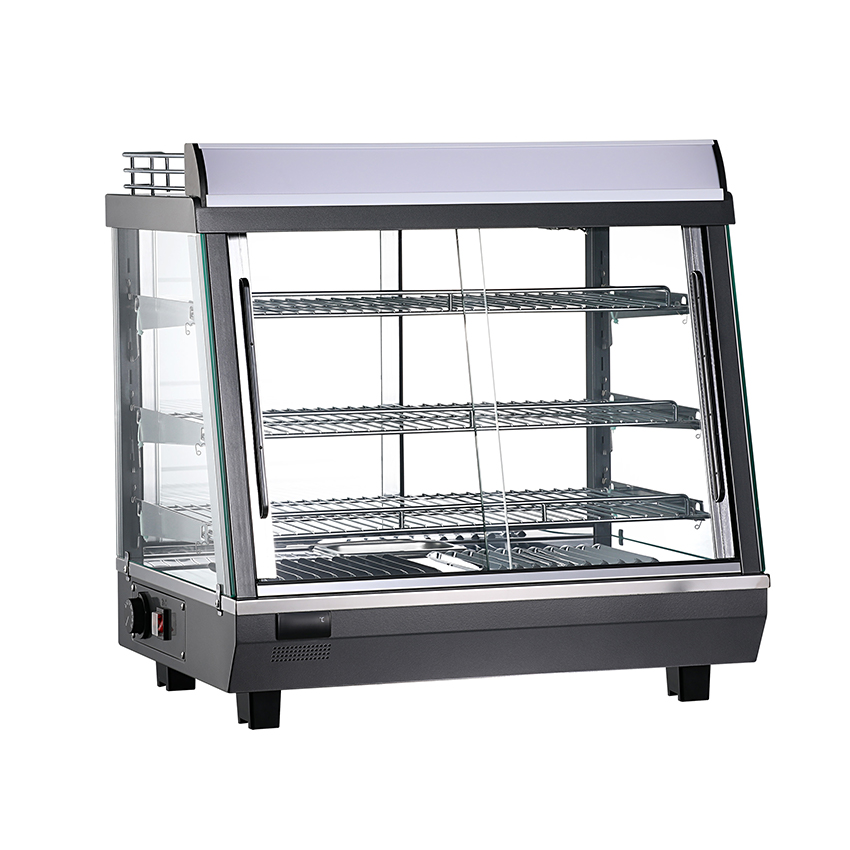 Table Hot Cabinet with Heating and Refrigeration FunctionsDesktop hot cabinet combining refrigeration and heating, with simple temperature controls, defrosting, heat preservation, and an energy-saving mode for catering and retail use.View Product →
 Multi-Product Thermal Display Cabinet with Glass Sliding DoorsHeated display cabinet in multiple sizes with glass sliding doors, thermal insulation, and easy cleaning for bakeries, supermarkets, and convenience stores.View Product →
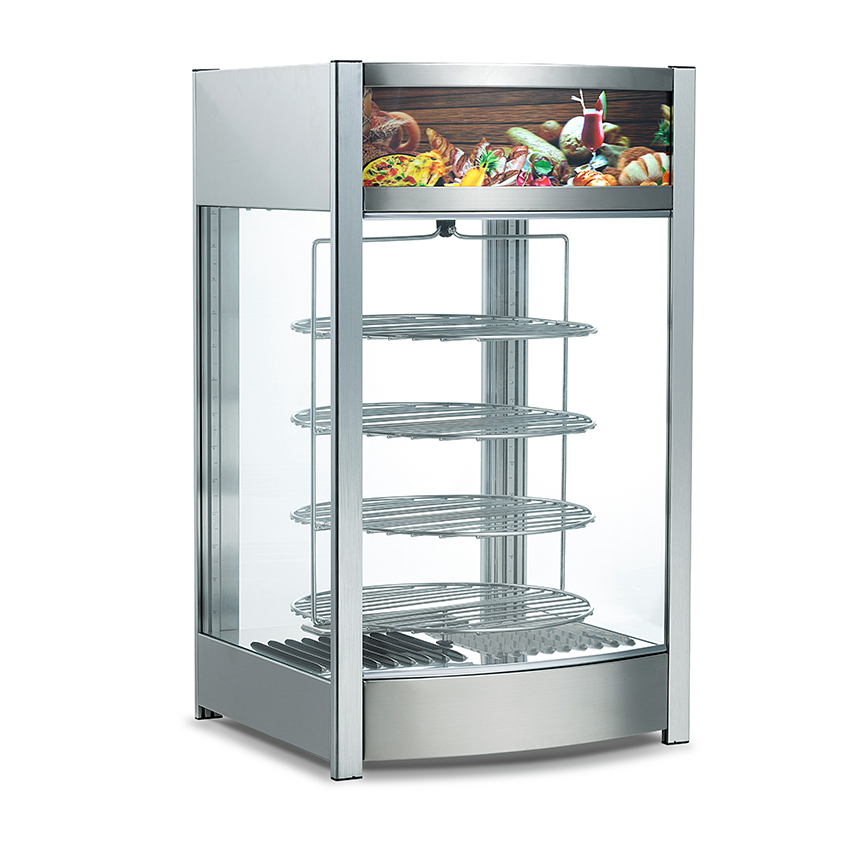 Commercial Insulated Display Cabinet for Hot Food RetailCompact thermal display cabinet with temperature and lighting controls, shelf options, and an advertising light box for fast food, coffee shop, and supermarket hot-food display.View Product →
Zhejiang Fuerj Electric Science And Technology Co., Ltd. has been building electric heating and refrigeration products since it was founded in 1997, when its first electric fireplace came off the line a year after start-up. The company occupies a 110,000 m² site with 85,500 m² of buildings and 650 employees, including 85 engineering and technical staff and more than 160 people with a college degree or above. Annual output reaches 750,000 sets across fireplaces, stoves, freezers, showcases and hot cabinets, with products certified to GS, CB, RoHS, UL, COC and CCC and exported to more than 20 countries across Europe, the Americas, Asia and Africa.
Preheat for 20–30 minutes before loading, and load only food that is already above 63 °C — a hot display holds temperature, it does not bring cold food up to it. Keep the doors closed except when serving, rotate trays from the bottom upward, and record cavity temperatures at the start and middle of each service. Empty and wash the humidity reservoir daily; a stale tray is a hygiene risk and a source of odour. For holding limits by product type, see our note on how long food can stay in a hot holding cabinet safely.
Q1. Does a hot display cabinet cook the food?
No. It holds food that has already been cooked and loaded hot. Putting raw or cold food in creates a temperature danger zone.
Q2. What temperature should I set?
At least 63 °C in the UK, and typically 68–75 °C in practice so the food stays compliant whenever a door opens.
Q3. Why does my pastry dry out?
Usually an empty or dirty water tray, or airflow set too strong for light products. Check both before blaming the element.
Q4. Why is the bottom shelf cooler?
Blocked shelf perforations or an overloaded cavity break the return air path. Clear the back gap and reload below the load line.
Q5. Can I hold both hot and cold items in one unit?
Only in a dual-zone cabinet with a physical divider. Sharing one cavity compromises both sides.
Q6. How much does it cost to run?
Most cabinets cycle rather than run continuously, so real consumption depends on door openings and setpoint more than on rated wattage.
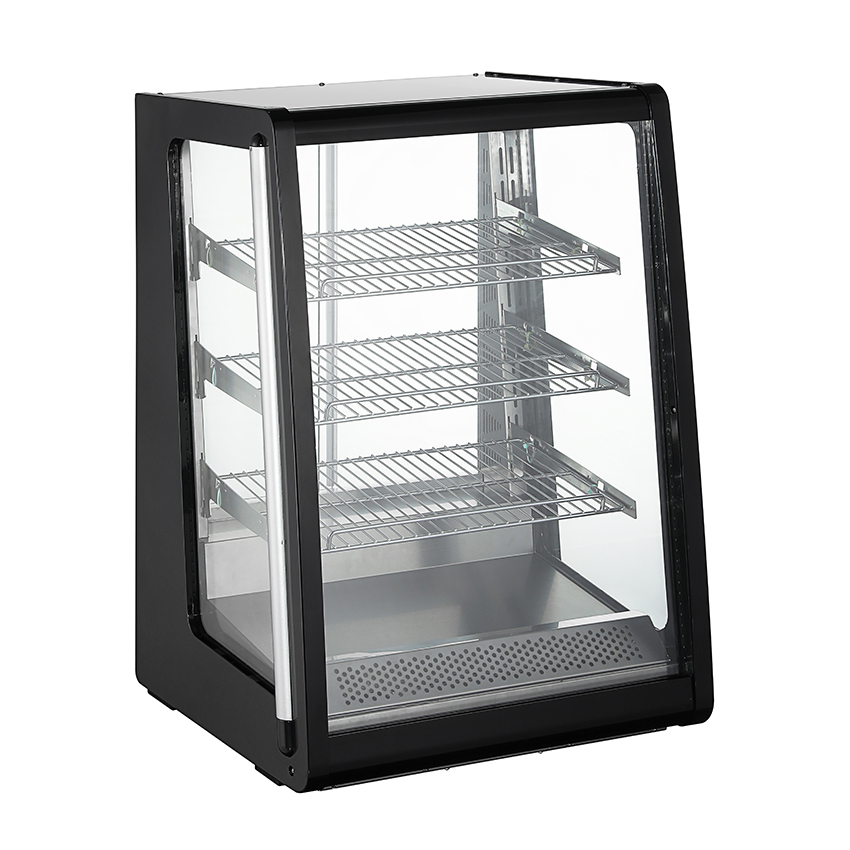

Copyright © Zhejiang Fuerj Electric Science And Technology Co., Ltd. Rights Reserved. Food Showcase Display Manufacturer Fireplace Factory
